Article
Architecting the ledger table pattern
Best for medium to large e-commerce stores.
In order to test Hyp's personalisation capabilities I needed to create some dummy data simulating thousands of historical user events.
I generated them all and fired them into Hyp.
I was thoroughly disappointed when I refreshed my dashboard and no-one was sitting in segments corresponding to older, lapsed users.
Then I realised the issue.
The events had reached my raw events table in BigQuery just fine, but my hourly and daily aggregators, which aggregate each user's activity for a particular day, were written to only look for events with a timestamp in the past 2 days. My historical events had timestamps way older than this (because...they are historical!).
Fail.
Well, not a fail. More a case of when I first built the Ingest pipeline I took the philosophy of building what I needed today, not what I might need in the future (See my post Trying not to architect for a scale problem I don’t yet have).
So I guess...success!?
Regardless, my aggregators needed an update.
When you're working with millions of rows or raw event data it isn't possible to scan them all everyday to rebuild the aggregate tables (well, technically I could but it would be incredibly expensive).
The answer to this architectural problem is a Ledger table.
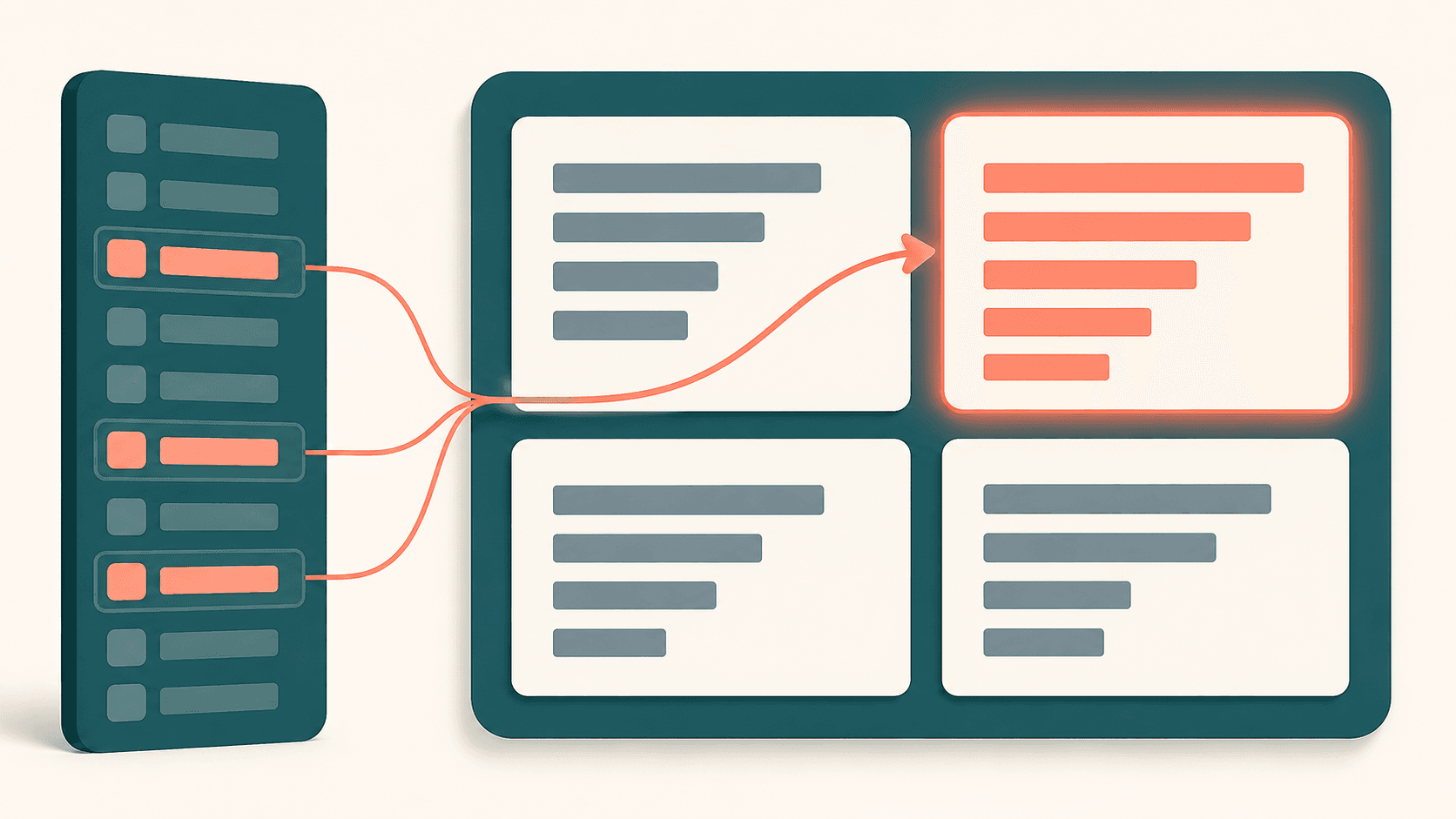
Every time an event is streamed through my data pipelines I write the event's date into the ledger table. Then, when the aggregator runs it first reads this table to figure out which dates have had activity since the last run, and then rebuilds the aggregations for those dates.
This isn't new.
Many event based analytics systems operate like this.
Snowplow's incremental processing documents it explicitly: "We use an incremental manifest table to record the max processed timestamp of all derived tables […] when we have a new event for a previously processed session, we have to reprocess all historic events for that session as well as the new events."
dbt's microbatch strategy describes the same shape in its docs, mentioning that backfills are "safer and easier to retry" because each batch is processed independently, with an explicit lookback to catch late data.
I'd deliberately avoided building this on day 1 because I didn't want the extra moving parts before I had a customer to justify them. Generating my own test data is what forced me to have to build it.
The benefit is if I do get a real customer with historical data that needs uploading, I'll be in a good place.